Understanding Image Generators and Their Impact
Definition of Image Generator
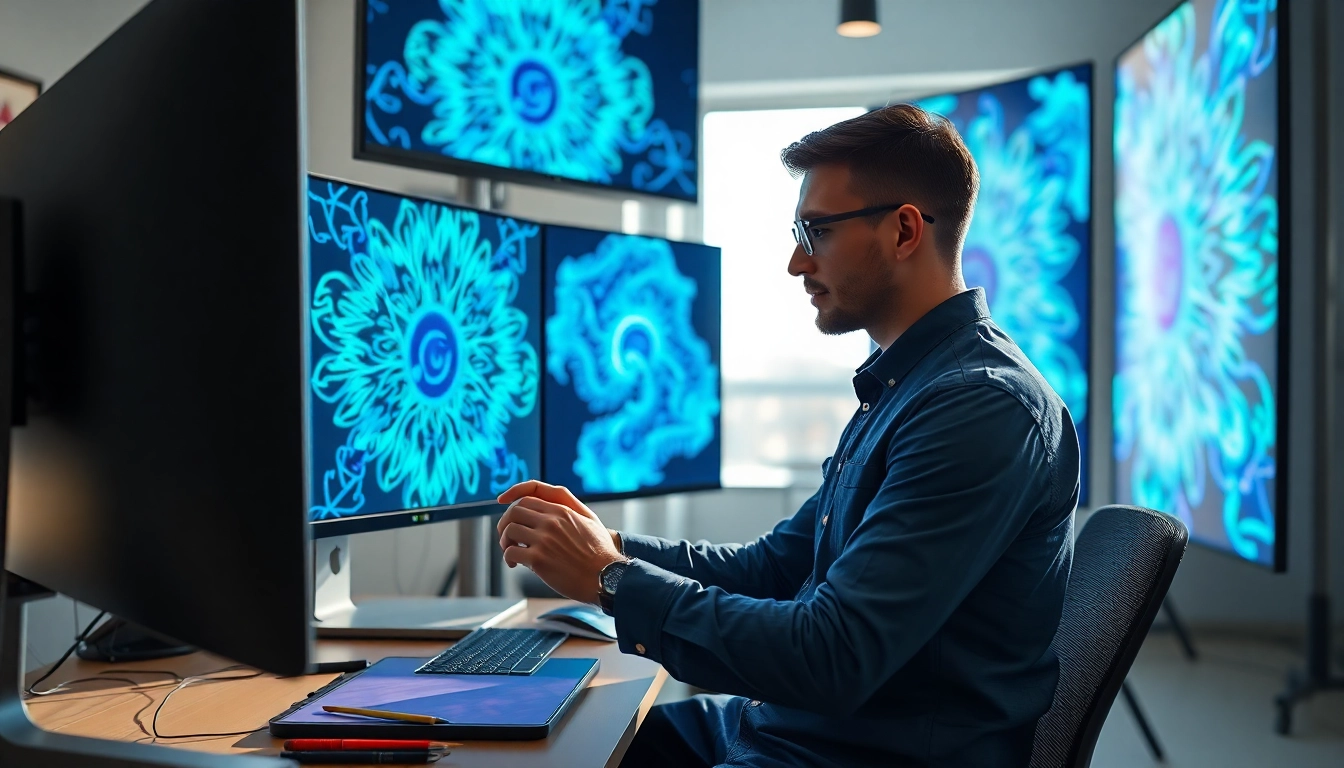
An image generator can be defined as a software tool or application that creates visual content by utilizing algorithms and pre-set styles or parameters. This technology employs various methods such as artificial intelligence, traditional graphic design tools, or a combination of both to produce digital images. The core functionality of image generators often revolves around the ability to transform text prompts, existing images, or random inputs into high-quality graphics, making it a versatile tool for both artists and non-artists alike.
Applications in Various Fields
Image generators find applications across a plethora of industries, enhancing creativity and productivity. Here are several fields where they play a vital role:
- Advertising and Marketing: Marketers utilize image generators to create compelling visuals for campaigns, social media, and advertisements, enabling rapid prototyping of ideas.
- Gaming: Developers leverage these tools to generate assets, characters, and backgrounds swiftly, enhancing visual storytelling without extensive labor.
- Art and Design: Artists use image generators to explore new styles, concepts, or to serve as a springboard for more complex artworks, expanding creative horizons.
- Education: Educational institutions use image generators to create engaging visual aids, infographics, and learning materials, making concepts easier to understand.
- Publishing: Authors and publishers apply image generators to create illustrations for books and articles, saving time and resources.
Benefits of Using an Image Generator
The advantages of utilizing an image generator are vast and multifaceted:
- Speed: These generators can produce images in a fraction of the time it would take manually, streamlining creative workflows.
- Cost-Effectiveness: By minimizing the need for complex software and extensive design skills, businesses can cut costs significantly.
- Accessibility: Many image generators are user-friendly, allowing individuals without a design background to create visually appealing content.
- Endless Creativity: Users can explore a near-infinite variety of styles and ideas, pushing the boundaries of their creative projects.
- Customization: Almost all generators offer various parameters and tools that allow for personalized results, catering to unique tastes and objectives.
Getting Started with Image Generators
Choosing the Right Image Generator
Selecting the most suitable image generator is crucial for achieving desired results. Factors to consider include:
- Purpose: Define what you intend to achieve—are you focused on marketing, artistic creation, or personal projects?
- User-Friendliness: Opt for a tool that matches your skill level, ensuring an intuitive user interface that promotes ease of use.
- Features: Assess the features offered, such as customization options, quality of output, and integration capabilities with other tools.
- Pricing: Consider your budget; some generators offer free trials, while others operate on a subscription basis or one-time fees.
- Community and Support: A robust user community and accessible support channels can assist you in troubleshooting and maximizing your use of the tool.
Initial Setup and Configuration
Once a generator is chosen, proper setup is vital for optimal functionality. Follow these steps:
- Installation: Download and install the software or access the web application.
- Create an Account: Sign up, if required, providing necessary details to access features and save your work.
- Explore Settings: Familiarize yourself with the configuration settings, adjusting parameters that affect image quality, resolution, and style preferences.
- Check for Updates: Regularly update the application to ensure access to the latest features and security enhancements.
Basic Features to Explore
Navigate through basic features to maximize your experience with the image generator. Look for:
- Templates: Utilize built-in templates that offer a starting point for various projects, making it easier to get started.
- Modes: Explore different modes such as collage-making, style transfer, or generating images from text.
- Export Options: Familiarize yourself with how to save, export, and share your creations in various formats.
- Customization Tools: Experiment with basic editing tools such as cropping, color adjustments, and layers.
Advanced Techniques for Using Image Generators
Combining Images for Unique Creations
To create standout visuals, consider combining various images. Here are some approaches:
- Layering: Use layers to blend elements from multiple images, adjusting transparency and positioning for unique effects.
- Collage Techniques: Craft collages using different images to tell a story or evoke a feeling, keeping a cohesive theme.
- Image Mash-ups: Use image generators to create mash-ups, placing elements from differing cultures or styles to create innovative designs.
Utilizing Filters and Effects
Filters and effects can dramatically alter the look and feel of generated images. Consider the following:
- Color Filters: Apply various color filters to set the mood or theme that resonates with your project.
- Texture Effects: Integrate textures to give depth and richness to your images, enhancing visual appeal.
- VFX: Explore visual effects that add dynamic elements like shadows, highlights, and blurring.
Working with Textures and Patterns
Incorporating textures and patterns can elevate your designs. Techniques include:
- Texture Overlay: Use textures as overlays to give a tactile feel to your images while preserving the original content underneath.
- Pattern Generation: Experiment with generating patterns that can be used as backgrounds or elements within your main images.
- Adaptation to Style: Alter textures to fit the style of your project, ensuring cohesion and harmony in your designs.
Common Challenges and How to Overcome Them
Dealing with Low-Quality Outputs
Generating low-quality images can be frustrating. To address this, consider:
- Resolution Settings: Always check the resolution settings before generating an image to ensure it meets your standards.
- Refining Inputs: Provide clearer and more specific prompts or adjustments to your inputs to guide the generator towards higher quality outcomes.
Understanding Algorithm Limitations
All algorithms have their constraints. To navigate this effectively:
- Experimentation: Experiment with different prompts, styles, or parameters to find what works best.
- Stay Updated: Follow advancements in the technology to leverage new features and improvements.
Managing Creative Block
Creative block can hinder progress. Overcome it by:
- Change of Perspective: Approach your project from a different angle or format to stimulate new ideas.
- Daily Practice: Engage with the image generator regularly to build familiarity and confidence in your creative process.
Measuring Success in Image Generation
Evaluating Quality of Generated Images
Determine the quality of your images based on:
- Clarity and Detail: Assess the level of detail and clarity in the images to ensure they are visually appealing.
- Relevance: Ensure that the images generated align with your initial vision or project goals.
Gathering Feedback and Iterating
Receiving feedback is crucial for improvement. Consider these approaches:
- Peer Reviews: Share your images with peers for constructive criticism and suggestions.
- Community Engagement: Engage with online communities to gather insights and perspectives on your work.
Optimizing Workflow for Efficiency
To streamline your process, implement these strategies:
- Batch Processing: Generate multiple images at once to save time, especially when working on large projects.
- Organizational Tools: Use project management tools to track progress and manage assets effectively.
Frequently Asked Questions
What are image generators used for?
Image generators are utilized across various fields like marketing, gaming, and art to create visuals quickly and efficiently.
Are image generators user-friendly?
Most image generators are designed with user-friendly interfaces, making them accessible to users of all skill levels.
Can I customize generated images?
Yes, most image generators provide customization options, allowing users to adjust styles, filters, and effects to fit their needs.
How can I improve image quality?
To improve quality, check resolution settings, refine inputs, and experiment with different parameters during generation.
Is feedback important in image generation?
Yes, gathering feedback helps refine your work, enabling you to improve skills and create better images over time.