Understanding Computer Support Needs
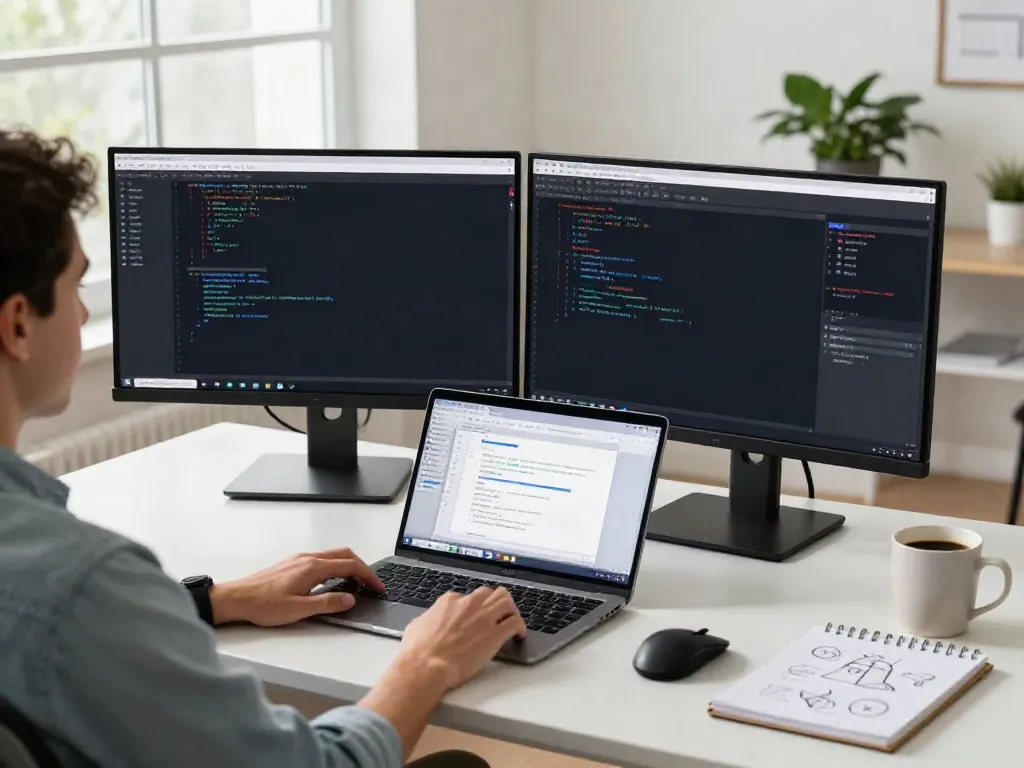
In today's digital age, the importance of computer support cannot be overstated. Businesses and individuals alike rely heavily on technology to function effectively, and any disruption can lead to significant downtime and financial loss. Thus, understanding what computer support truly is, the common challenges faced, and how to assess your specific needs is essential for maintaining operational efficiency.
What is Computer Support?
Computer support encompasses a variety of services designed to help users troubleshoot and resolve issues related to their hardware, software, and network systems. These services can include technical assistance, setup and installation, maintenance, and preventive measures. The field of computer support can be broadly categorized into two areas: user support and network support. User support focuses on assisting individuals in overcoming problems they encounter with their devices, while network support deals with the maintenance and administration of networked resources.
Common Challenges in Computer Support
Despite its critical role, computer support often faces numerous challenges, including:
- Escalating Complexity: As technology evolves, so do the issues that arise. Support personnel must constantly update their knowledge and skills to handle new software and hardware.
- Communication Gaps: Users may struggle to describe their problems accurately, which can lead to misunderstandings and prolonged resolution times.
- Limited Resources: Smaller organizations may lack the budget to employ full-time IT staff, leading to overworked personnel trying to manage multiple responsibilities.
Assessing Your Computer Support Requirements
To effectively address computer support needs, organizations should begin with a thorough assessment. This can include:
- Identifying Users: Who will be using the systems? Are they tech-savvy or do they require more guided assistance?
- Evaluating Infrastructure: What hardware, software, and network systems are currently in place? Are there specific vulnerabilities that need addressing?
- Expectations for Support: Determine the level of support required, the expected response times, and the desired modes of communication (e.g., in-person, phone, remote).
Types of Computer Support Services
Understanding the various types of computer support services available can help individuals and businesses choose the right kind of assistance for their needs:
Remote vs. On-Site Computer Support
Computer support can be categorized as either remote or on-site. Remote support allows technicians to troubleshoot issues via the internet, minimizing downtime and providing quick solutions for minor problems. Conversely, on-site support is necessary when physical access to the equipment is needed for repairs, installations, or upgrades. Each has its set of advantages:
- Remote Support: Cost-effective, quicker response times, ideal for minor issues.
- On-Site Support: Essential for hardware issues, complex setups, and personalized training.
Technical Assistance Services
A component of computer support, technical assistance services offer help with software and hardware issues that users encounter regularly. This can include troubleshooting application problems, configuring new software, ensuring security measures are in place, and managing user accounts. Technical assistance services are often delivered through help desks or call centers equipped to handle a range of common issues.
Managed IT Services Explained
For businesses looking for comprehensive support, managed IT services can provide a proactive solution. This model involves outsourcing IT responsibilities to a third-party provider, who then takes on various tasks such as network management, data backup, cybersecurity, and ongoing maintenance. Managed IT services allow businesses to focus on their core activities while ensuring technology is managed effectively and efficiently.
Best Practices for Computer Support
Effectively implementing computer support isn’t solely about having the right tools or personnel. It also involves employing best practices that enhance functionality and user satisfaction:
Effective Communication Strategies
Clear communication between computer support professionals and end-users is vital. This can include:
- Establishing common terminology to avoid confusion.
- Encouraging users to note specific error messages or symptoms.
- Regularly updating users on the status of their support requests.
Regular Maintenance and Updates
Prevention is always better than cure, especially in IT. Regular maintenance, including software updates and system checks, can significantly reduce the occurrence of issues. Establishing a maintenance schedule can help ensure systems run smoothly without unexpected disruptions.
Implementing a Support Ticket System
A structured support ticket system can streamline requests and facilitate tracking of issues over time. This allows for better resource allocation, prioritization of tasks, and provides insights into common problems faced by users.
Assessing Performance in Computer Support
Once computer support services are in place, measuring their effectiveness is essential. This can be achieved through various assessment methods:
Key Performance Indicators (KPIs)
Establishing KPIs provides measurable metrics to evaluate the quality of computer support. Some key indicators might include:
- First contact resolution rate: The percentage of issues resolved on the first interaction.
- Average resolution time: The average time taken to resolve issues.
- User satisfaction scores: Feedback from end-users on their support experience.
Gathering User Feedback
Regularly seeking feedback from users can uncover areas for improvement. Surveys, interviews, and follow-up communications can provide insights into user satisfaction and help refine support services.
Continuous Improvement Processes
Implementing a continuous improvement process ensures that computer support remains effective and relevant. This can include training for support staff, incorporating user suggestions, and staying updated on the latest technological advancements.
Future Trends in Computer Support
The landscape of computer support continues to evolve, influenced by technological advancements and changing user expectations. Here are some future trends to watch:
AI and Automation in Computer Support
Artificial intelligence and automation are transforming computer support. Chatbots and virtual assistants can handle routine inquiries, allowing human technicians to focus on more complex problems. This shift can increase efficiency and reduce wait times for users.
Cloud-Based Support Solutions
With the increasing adoption of cloud technology, computer support is also migrating to the cloud. Remote desktop access and online troubleshooting are becoming standard practices, allowing support teams to assist users more effectively and flexibly.
Remote Support Evolutions
The demand for remote support has surged, and the future will likely see continued innovations in this area. Enhanced security measures, improved software capabilities, and more comprehensive toolkits for remote technicians will enhance the user experience and the ability to resolve issues efficiently.